
A Mac terminal with the server context beside it.
All in Term brings your local shell and remote server sessions into one desktop workspace. Start a terminal on your Mac, switch to an SSH tab and inspect the files or service state associated with the active host. The interface keeps connections, reusable commands and supporting tools close to the work you are doing.
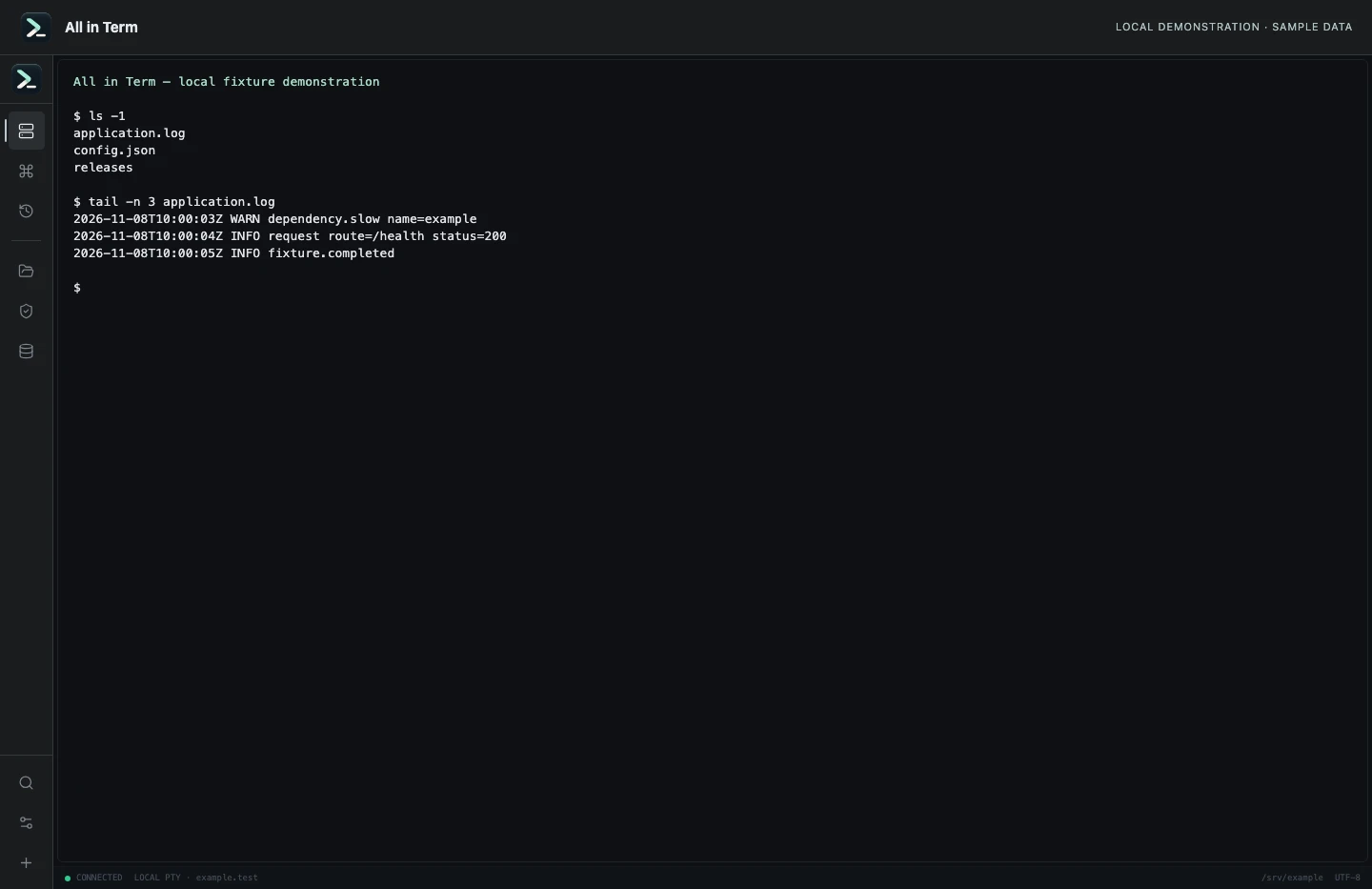
Local terminal view with command output recorded from an isolated temporary directory. Captured 2026-11-08. Open the image to inspect details.
Local and remote terminals
Open a local session without creating a remote profile, or connect to a saved host using its account and authentication settings. Multiple tabs let you move between environments while keeping the active host visible.
Files in the same workspace
Use the SFTP explorer for a connected remote server. Follow the terminal directory or browse independently, open a file in the editor and inspect local-to-remote differences before replacing content.
Context for the command
Inspect processes, listening ports, disk usage and service findings when a command raises a wider question. Docker, Redis, supported relational databases and Nginx have dedicated views; their availability depends on the selected host and account permissions.
A workspace you can adjust
Use the command palette to find connections and snippets, keep recent commands accessible and change terminal appearance separately from interface scaling. English and Turkish options are available, with some tool-specific language coverage still being improved.
A practical first workflow
- Open a local terminal and confirm the working directory.
- Add a remote profile when you need server access; verify its hostname and account.
- Use tabs and host context to choose where a command runs.
- Inspect related files or tools, then verify the outcome of any change.
Know the current boundaries
- The current terminal arrangement uses tabs; dedicated saved split layouts and automatic session restoration are future ideas.
- Remote tools depend on the server environment and your account permissions.
- The installation guide currently contains a clearly marked demonstration installer link.
Frequently asked questions
What makes this a terminal app for Mac?
It is a desktop application with a local macOS shell, terminal preferences, keyboard actions and a workspace that also supports remote SSH sessions and server tools.
Is All in Term a free terminal app for Mac?
The site currently describes free access with an account and no payment details needed now. Actual access depends on account status, and pricing may change. Review the current terms and download guide before relying on a release.
Can I use it only for a local shell?
A local session can be opened without a saved remote server. Features that require a remote SSH connection, such as SFTP, remain tied to that connection.
Does it include terminal splits?
The present workflow uses session tabs. Named layouts and terminal splits are identified as future ideas in the product notes, not shipped features.